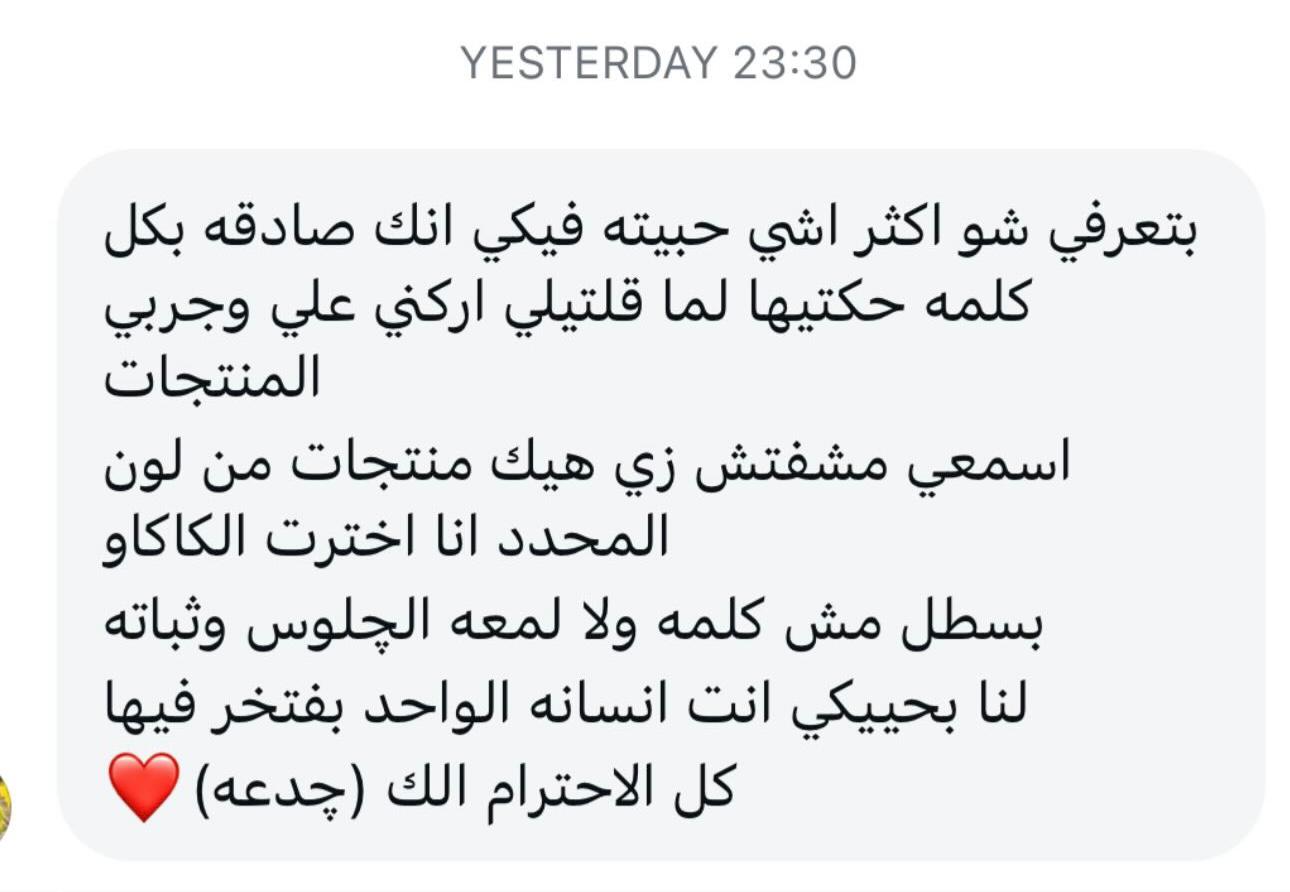
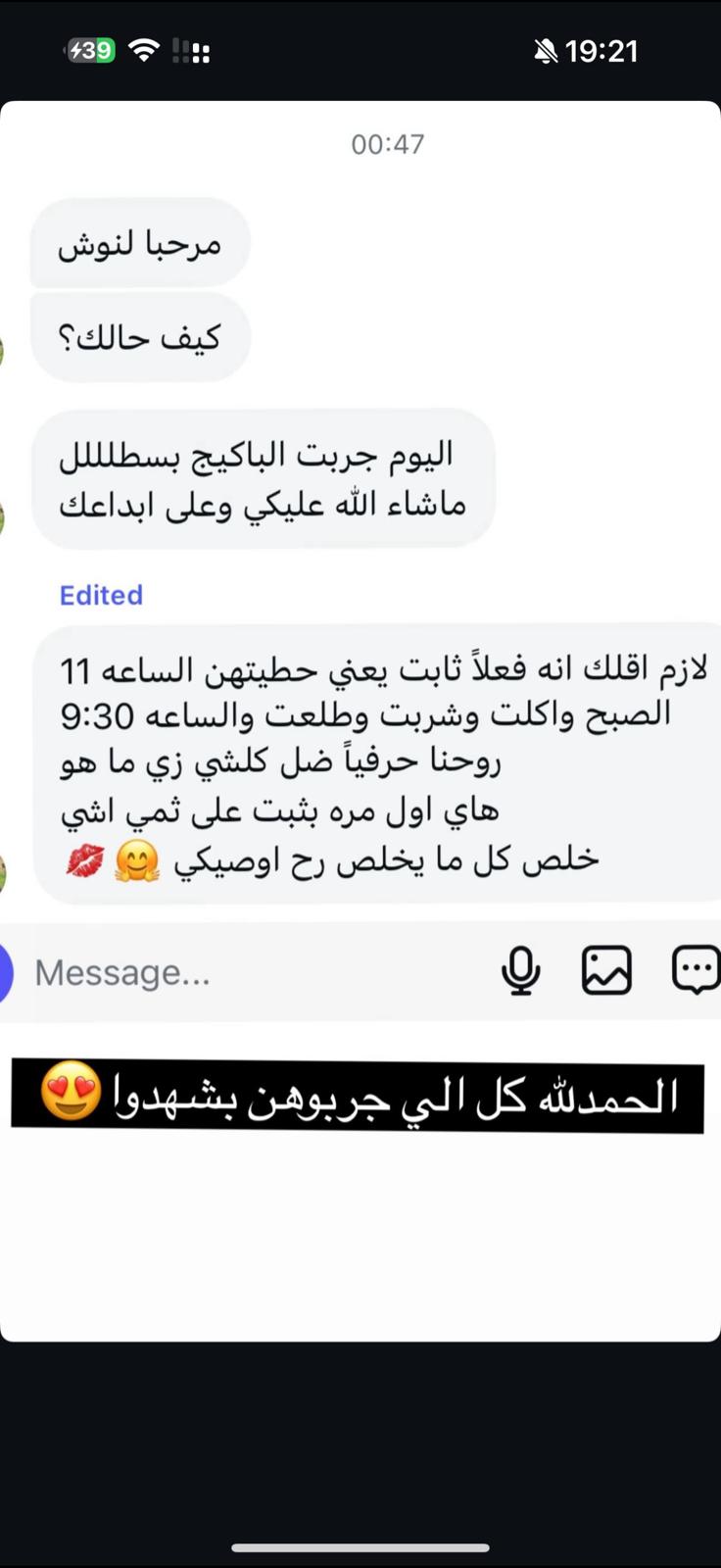
اكثر من 7.600 نتيجة حقيقة
طقم LANA Signature Kit المفضل لدا اكثر من 950 صبية
السؤال الذي تحبين سماعه كل يوم «ماذا تضعين على شفتيك »
هناك رسمة واحدة تجعلهم يسألونك هذا السؤال
هي التي ترسمها لانا على زبوناتها منذ 12 عاما
واليوم تكشف لك سرها وتصنعينها بنفسك في أقل من 30 ثانية



اذا كنت تريدين أن تلفتي انتباه الجميع
برسمة شفتيك
لنا خبيرة مكياج منذ أكثر من 12 سنة تكشف لك طريقتها لشفاه محددة تبدو أكثر امتلاء بلون جميل ولمعة
↓
شاهدي الطريقة مع لنا ▶
↓
سر رسمة الشفاه في الصالون
كيف تطبّقينها بنفسكِ في أقل من دقيقة؟
لنا، خبيرة مكياج منذ أكثر من 12 سنة، تكشف لكِ طريقتها لشفاه محدّدة تبدو أكثر امتلاءً، بلون جميل ولمعة.
شفتان أوضح وأنعم وتبدوان أكبر بشكل طبيعي بدقيقة واحدة كل صباح
قلمان بلونين وغلوس واحد، صنعتهم لانا ليعملوا معًا

توصيل مجاني
الى جميع المناطق
ضمان تجربة 90 يوم
او استرجاع كامل المبلغ إذا لم تلمسي فرقاً واضحاً
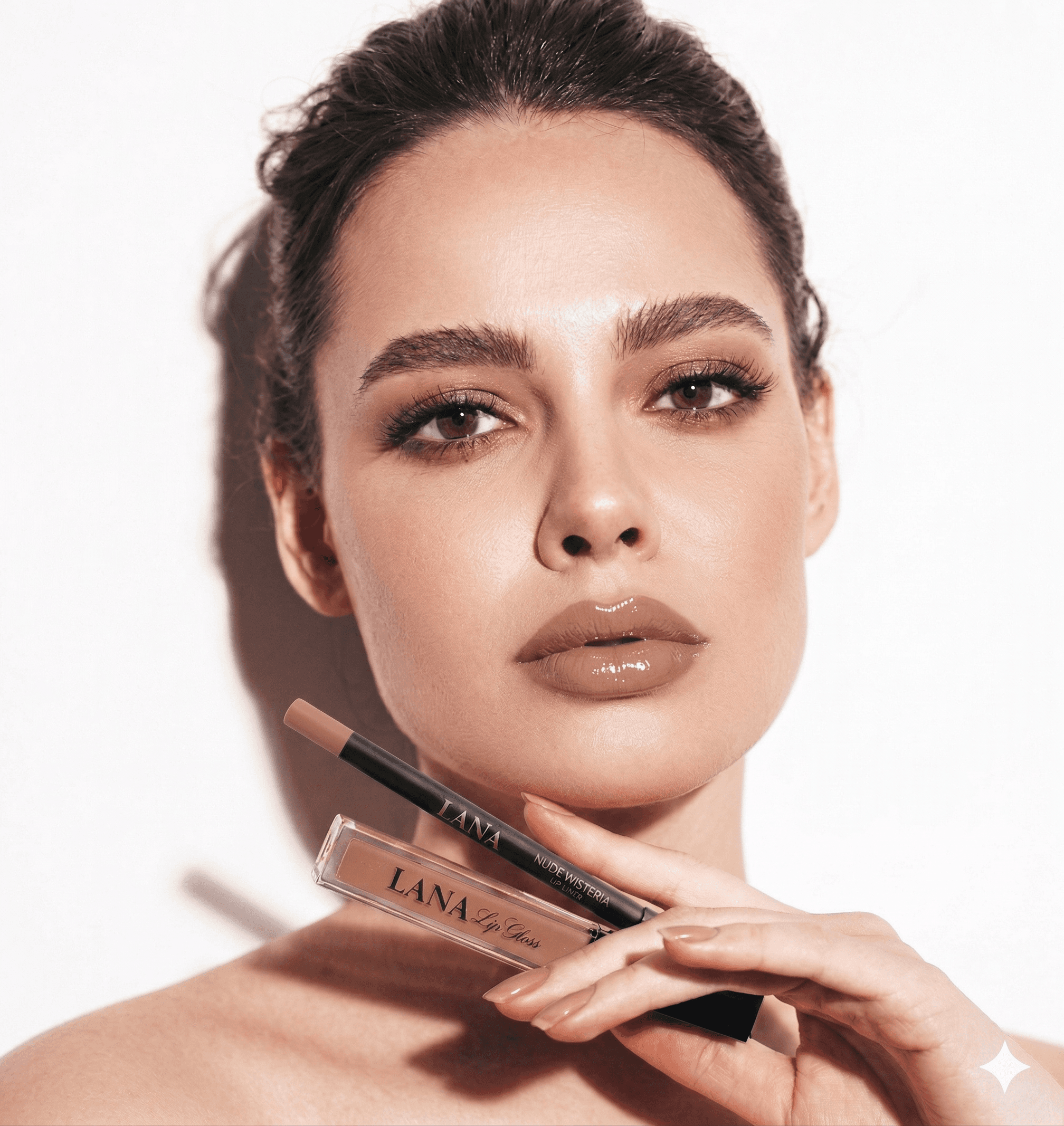
LANA Signature Kit






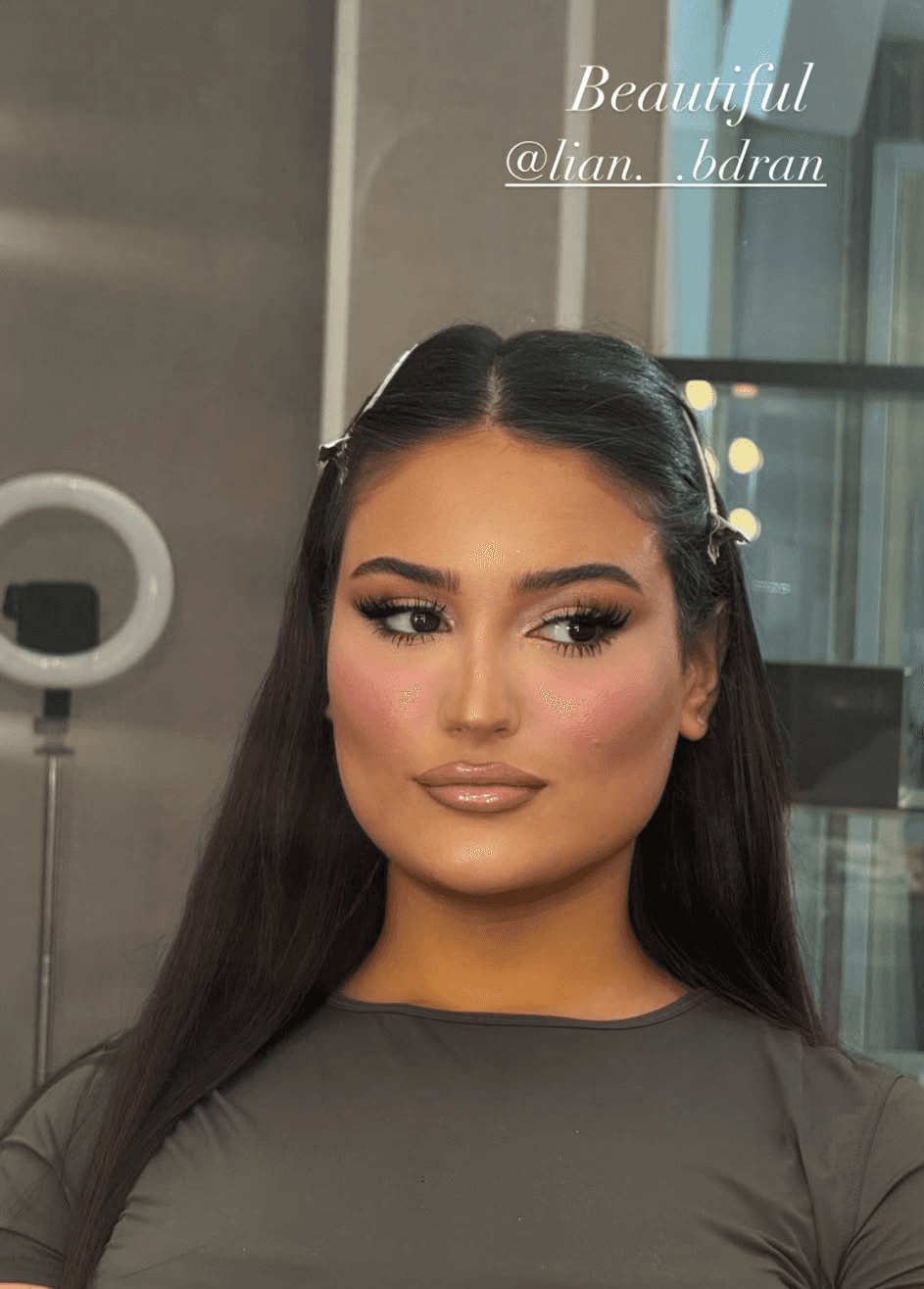


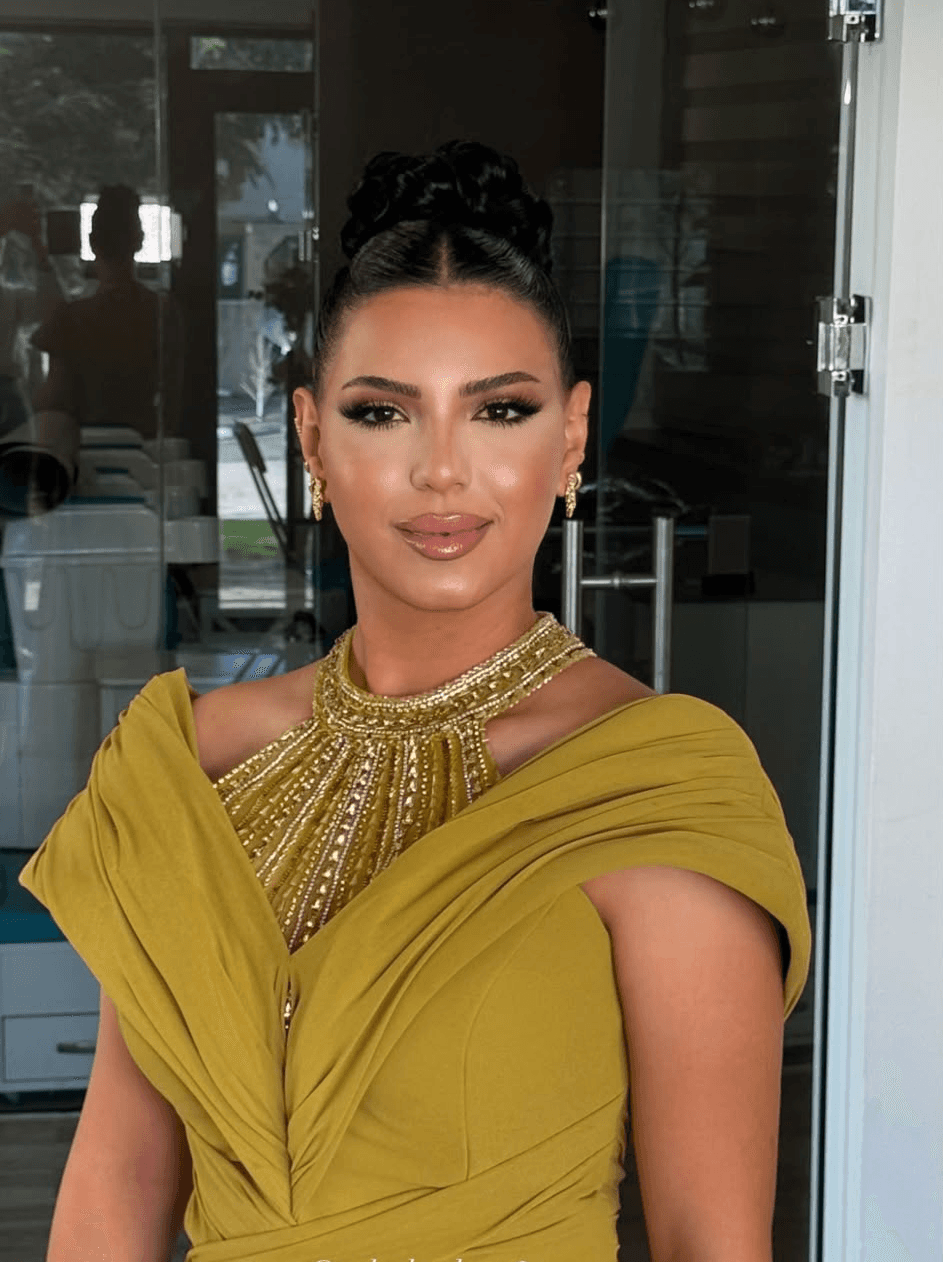
نعم الشفاه هي أكثر ما يلفت الانتباه في الوجه
لانها في وسط الوجه تماما وأول ما تنظر إليه العيون
حين تتكلمين وحين تبتسمين
ولهذا من ترسم شفتيها جيدا يبدو وجهها كله أجمل
لانها في وسط الوجه تماما وأول ما تنظر إليه العيون
عندما تتكلمين وعندما تبتسمين
ولهذا إذا كان لون شفتيك متناسقا مع بشرتك ولمعتهما ناعمة
تذهب إليهما كل العيون قبل أي شيء
والآن تعلمك لنا بنفسها
شاهديها ترسم شفتيها أمامك القلم أولا ثم الغلوس
وتشرح لك كل خطوة وسببها
لا يلزمك موعد ولا صالون
الطريقة نفسها التي تعمل بها لنا منذ 12 عاما
تتعلمينها أنت في دقيقة
منذ 12 عاما وهي تعمل المكياج
وتخصصها رسم الشفاه
وهذه لنا وهي تعمل
↓

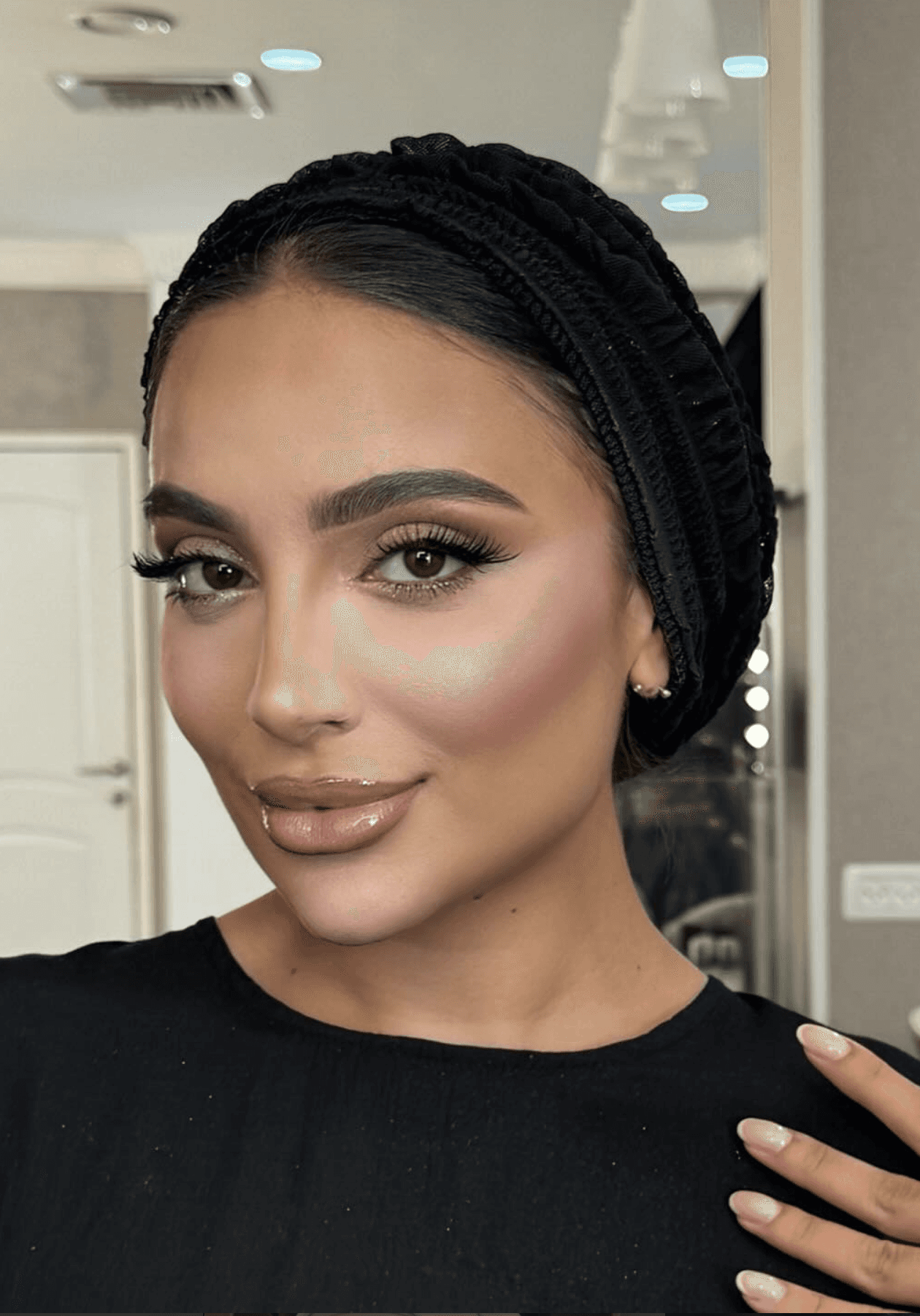
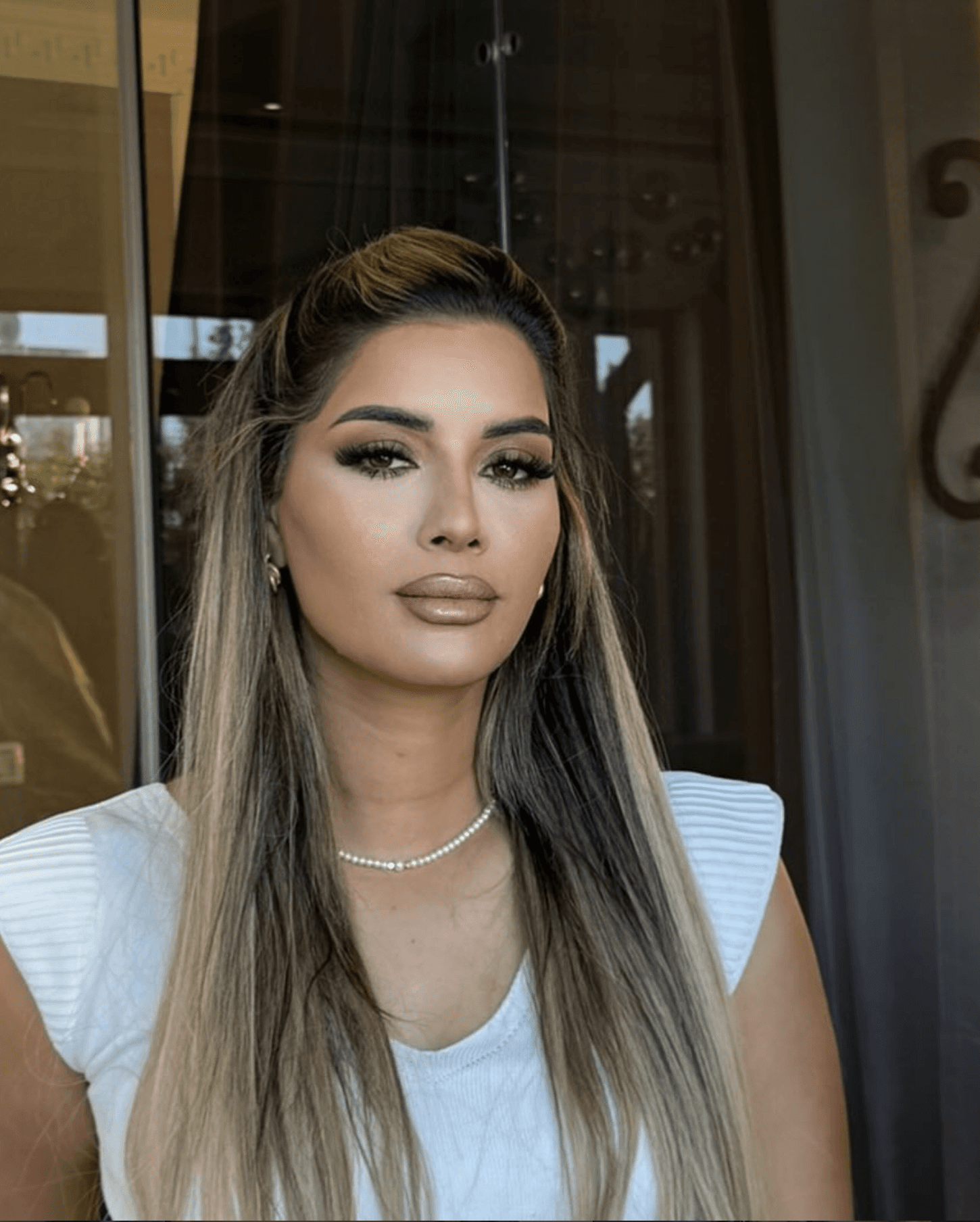
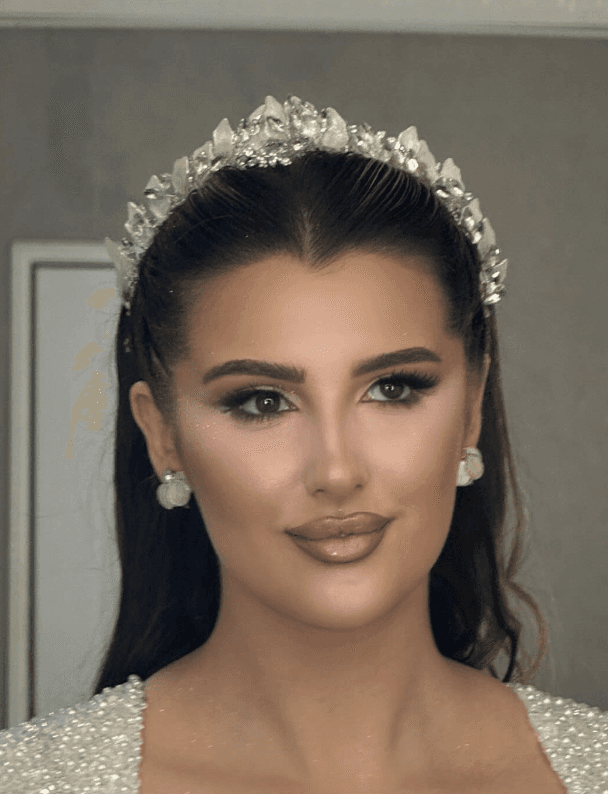
انظري الى هؤلاء الجميلات
أليس أول ما يجذبك
هو رسمة الشفاه ولونها وتفاصيلها ؟
↓
↓
أكثر من 256 براندًا في عُمان خلال 12 شهرًا.
بدأت كلها بـ 5 عينات للتجربة… ثم تحولت إلى منتج يحمل اسم صاحبه، جاهز للبيع.
واليوم، أصحاب هذه البراندات يعيدون الطلب ويتوسعون في مبيعاتهم.
↓
أكثر من 256 براندًا في عُمان خلال 12 شهرًا.
بدأت كلها بـ 5 عينات للتجربة… ثم تحولت إلى منتج يحمل اسم صاحبه، جاهز للبيع.
واليوم، أصحاب هذه البراندات يعيدون الطلب ويتوسعون في مبيعاتهم.
↓
اطلبيه الان
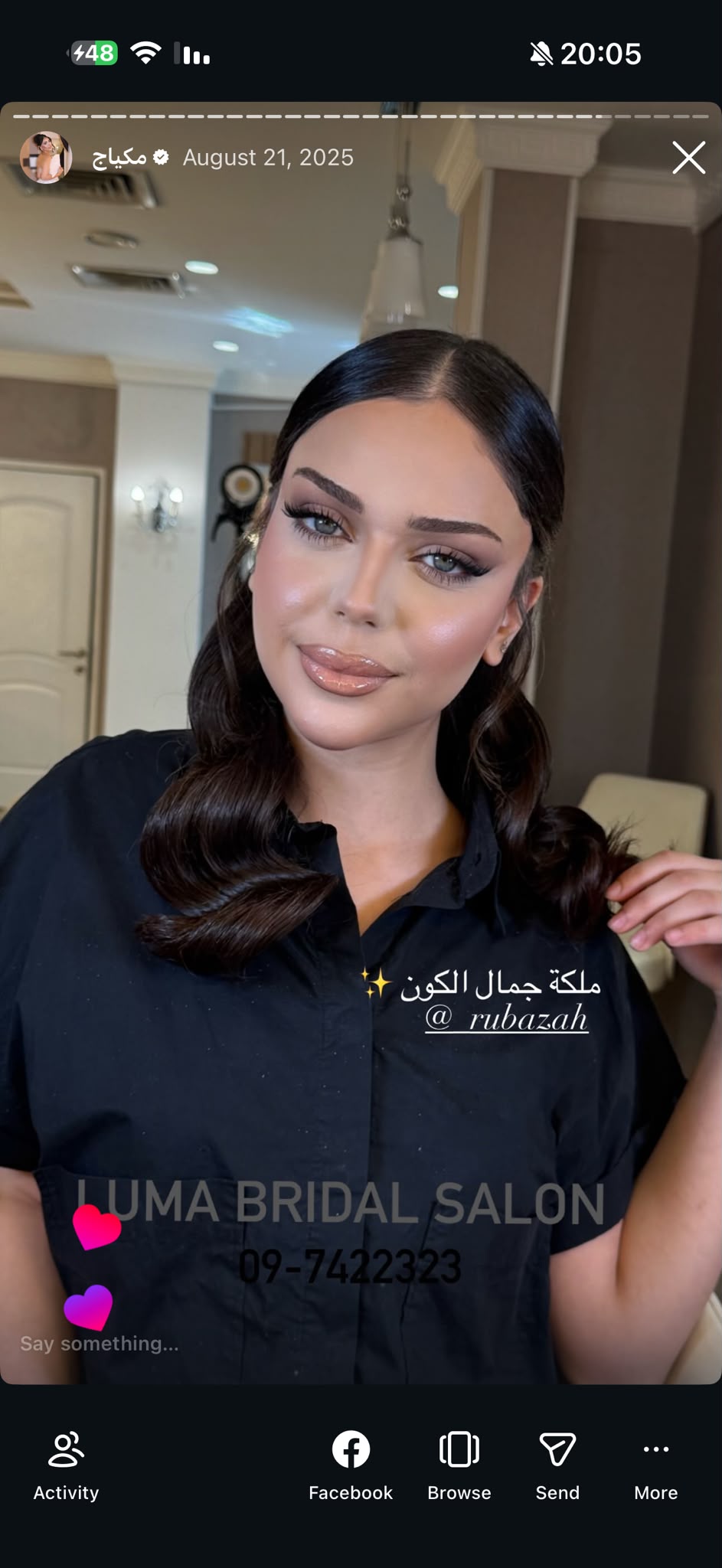
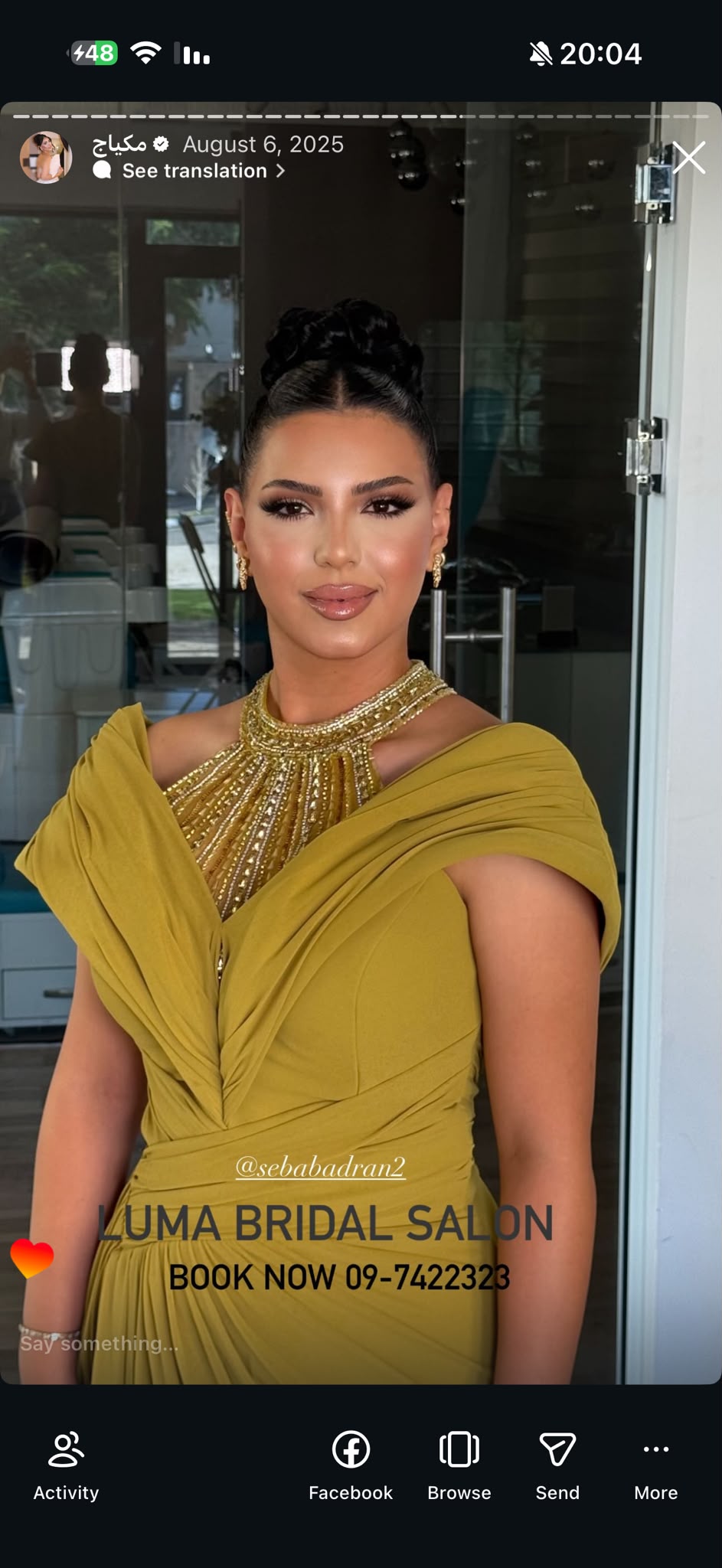

لنا خبيرة مكياج
منذ أكثر من 12 سنة
بعد أن جلست على كرسيها
أكثر من 5000 صبية انظري الى جميعهم في الاسفل
تأكدت من شيء واحد الشفاه
هي أهم شيء في الوجه
↓
لأنها في وسطه وتتحرك مع كل كلمة وكل ابتسامة فتبقى العيون عليها أكثر من أي شيء آخر
وحين تكون الشفاه جميلة يبدو الوجه كله أجمل وتشعرين أن كل من ينظر إليك يتوقف عندها
لهذا الشفاه أول ما تهتم به لنا في كل وجه
↓
وجيمعهم بهذه الدهشة من اللون والشكل

وتستخدم في كل مرة
طقم LANA Signature Kit
لتجعل شفاههن تسرق الأنظار من أول نظرة
وهذه هي الصبية نفسها بعد أن انتهت لنا
انظري إلى شفتيها
وتستخدم في كل مرة طقم LANA Signature Kit
لتجعل شفاههن تسرق الأنظار من أول نظرة
وفي كل مرة ترسم لهن الشفاه
بطقم LANA Signature Kit
لون يذوب على الشفاه ولمعة تجعلها أول ما يُنظر إليه
وتستخدم في كل مرة
طقم LANA Signature Kit
لتجعل شفاههن تسرق الأنظار من أول نظرة
↓
وهذه هي الصبية نفسها بعد أن انتهت لنا
انظري إلى شفتيها
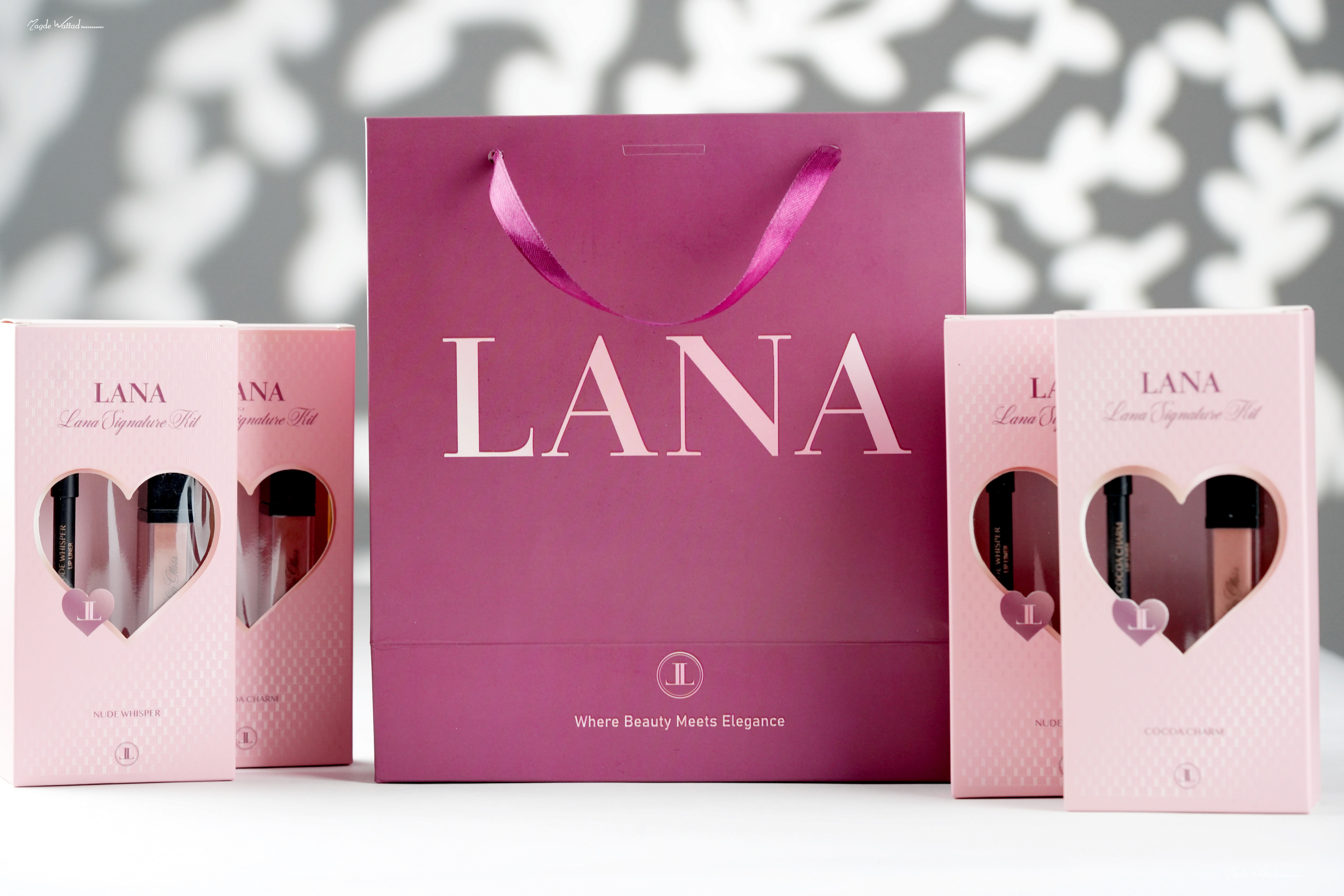
هذا لون طقم LANA Signature Kit المميز والحصري
على شفتيها ولمعته التي تلتقط الضوء
هذا لون طقم LANA Signature Kit المميز والحصري
على شفتيها ولمعته التي تلتقط الضوء
وهذه هي الصبية نفسها بعد أن انتهت لنا
انظري إلى شفتيها
هذا لون طقم LANA Signature Kit المميز والحصري
على شفتيها ولمعته التي تلتقط الضوء
وجميعهن بهذه الدهشة حين ينظرن
إلى شفاههن في المرآة أول مرة
لون لم يرينه من قبل ولمعة تجعلهن
لا يصدقن أنها شفاههن
وتطبق طقم LANA Signature Kit
وهنا لنا تكشف لك طريقتها
لتكون شفتاك مميزة وملفتة في أقل من 30 ثانية
وكيف تضعين LANA Signature Kit القلم أولا ثم الغلوس
↓
الخبر المفرح
أن لنا أحبت أن تقدم لك الشيء
الذي سيدهش كل من حولك
LANA Signature Kit طقم
ولكن الخبر المفرح
أن لنا أحبت أن تقدم لك الشيء
الذي سيدهش كل من حولك
طقم لانا الذي صنعته بيدها لتستعمله لنفسها أولا
ثم لزبوناتها ولهذا الطقم قصة بدأت على كرسي لانا

ولكن الخبر المفرح
أن لنا أحبت أن تقدم لك الشيء
الذي سيدهش كل من حولك
طقم لانا الذي صنعته بيدها لتستعمله لنفسها أولا
ثم لزبوناتها ولهذا الطقم قصة بدأت على كرسي لانا

ما هو LANA Signature Kit
طقم لرسم الشفاه
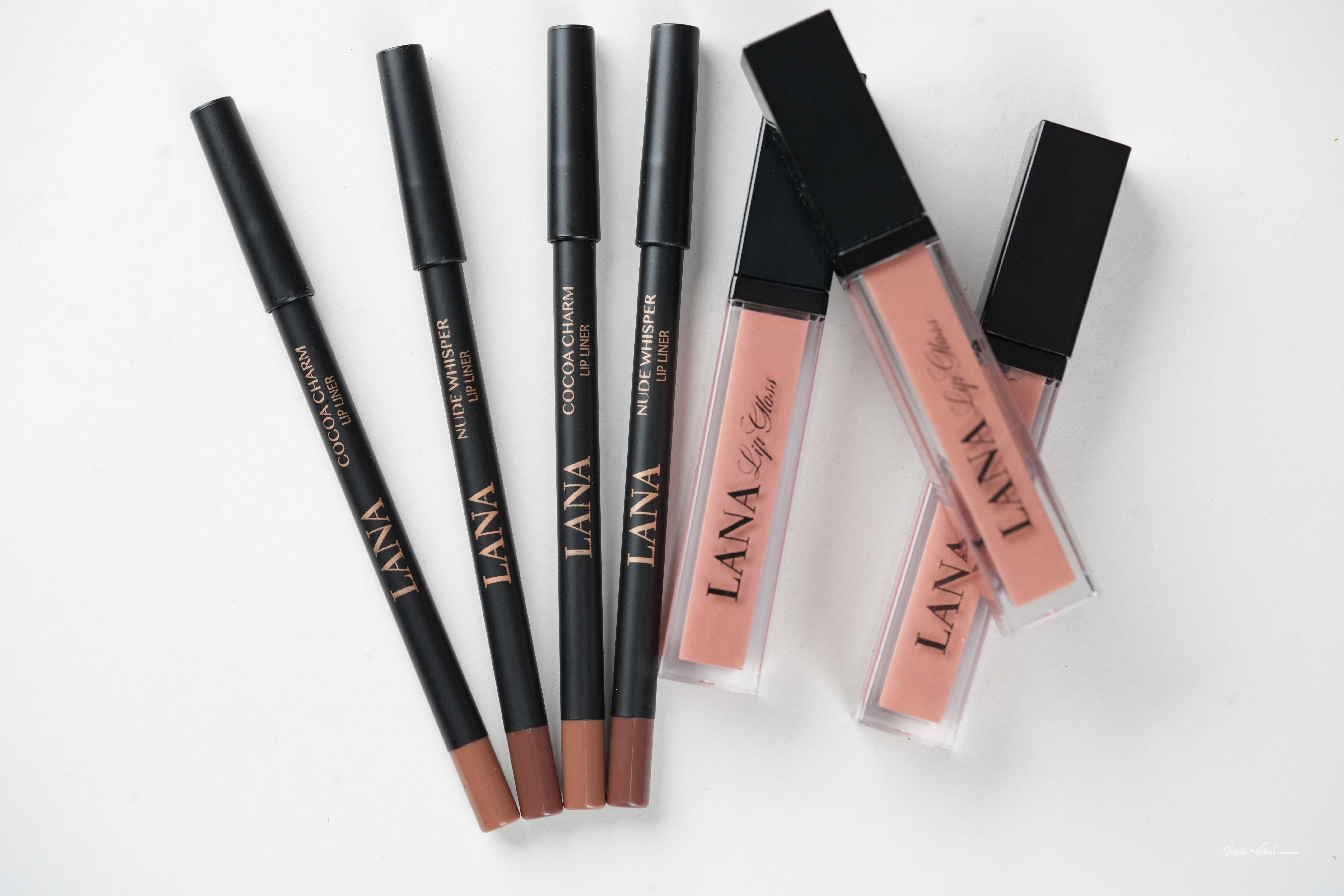
قلم تحديد وغلوس في علبة واحدة صنعا معا بلون واحد
حتى يكملا بعضهما على الشفاه القلم يرسم الحافة ويحدد الشكل
والغلوس يعطي اللون واللمعة في الوسط
وتضعينهما في أقل من 30 ثانية
الذي صنعته لنا بيدها بعد أن جربت أكثر من 22 مصنعا
تستعمله هي لنفسها ولزبوناتها كل يوم
واليوم صار بين يديك ولهذا اسمه Signature أي توقيع لنا
LANA Signature Kit


اطلبيه الان
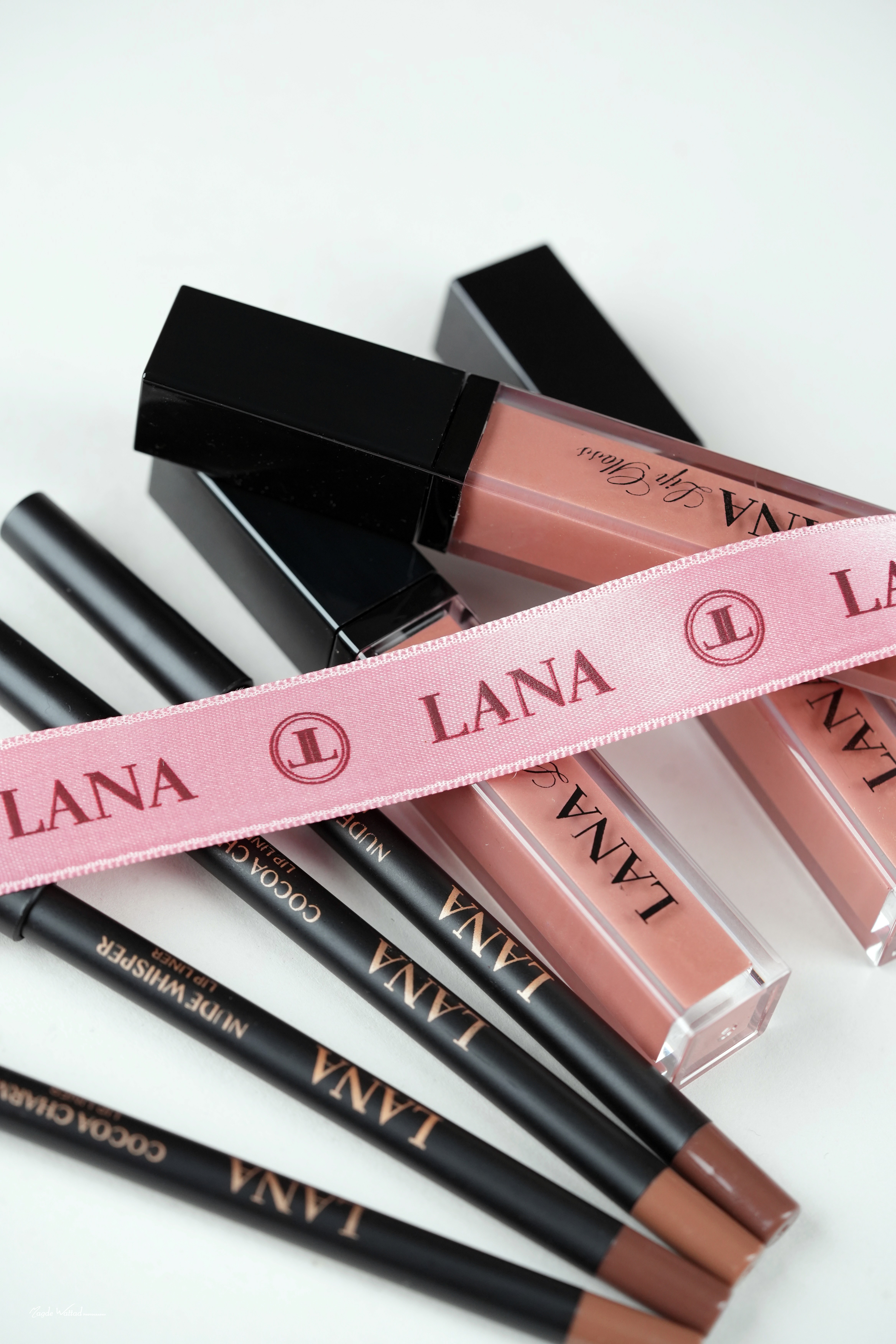
الذي صنعته لنا بيدها بعد أن جربت
أكثر من 22 مصنعا تستعمله هي لنفسها ولزبوناتها كل يوم
LANA Signature Kit
صنعته لنا لنفسها أولا
وبعدها بدأت تستعمله مع زبوناتها على كرسيها
وبعدها قدمته لهن ليستعملنه بأنفسهن في بيوتهن
واليوم هو المفضل عند أكثر من 950
فتاة يحببن التميز والأنوثة الصاخبة
وصار دورك الآن


ما هو طقم
LANA Signature Kit
قلم تحديد وغلوس صنعتهما لنا
ليعطيك شفاها ممتلئة تبدو أكبر وطبيعية بدون م مبالغة
ولونا مميزا لا تجدينه عند أحد من صديقاتك
ولمعة تتألق من الصباح إلى آخر الليل ولا تلتصق ودون لزوجة
وتضعينه بنفسك من أول مرة بلا خبرة وفي أقل من 30 ثانية
لتخرجي أجمل في كل صورة ويسألك الجميع عن سر شفتيك
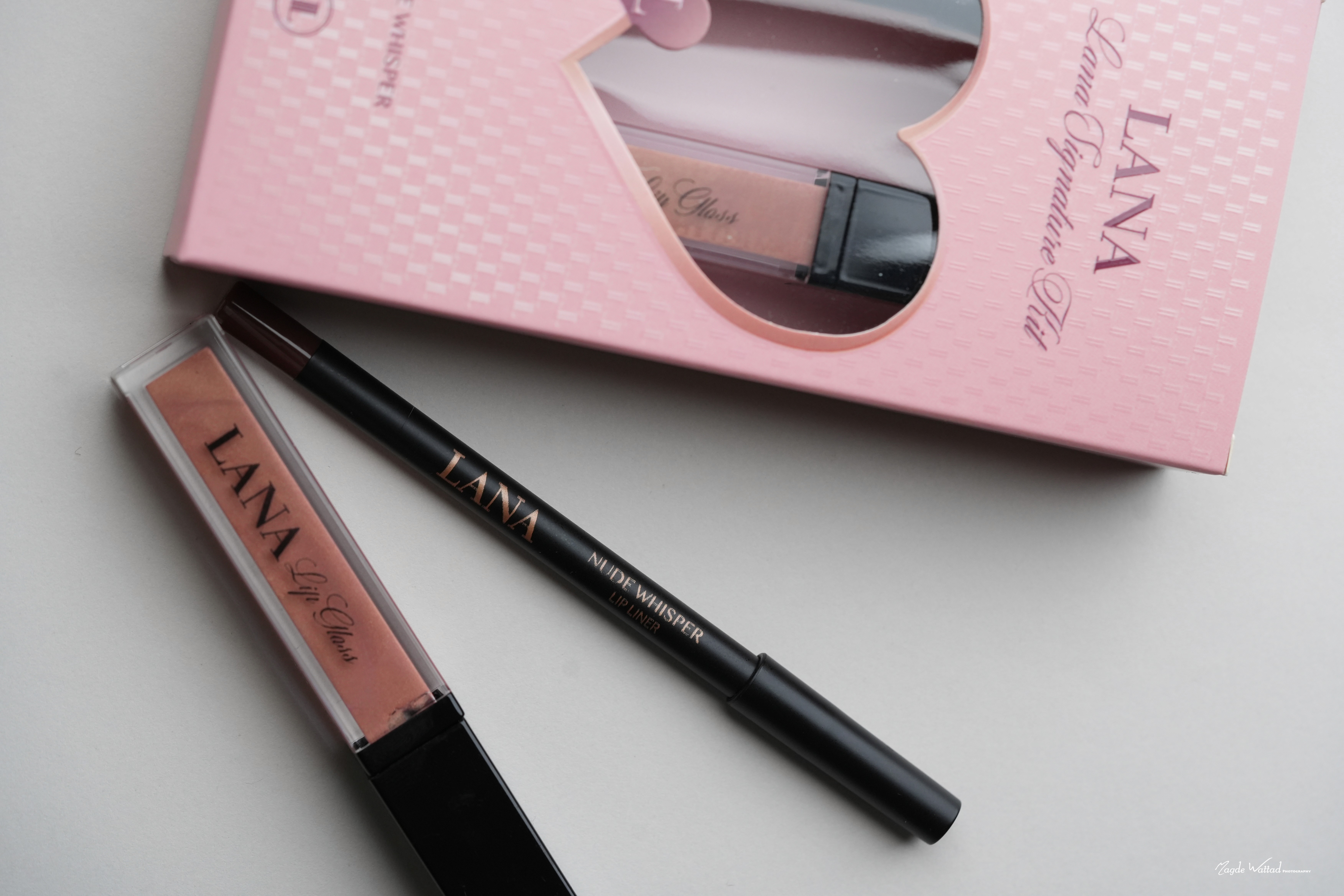


الغلوس
لمعة كالمرآة لا من زيت ثقيل
لمعته من زيت الخروع وهو زيت طبيعي يلمع ويرطب معا ومن طبقة أملس تعكس الضوء فتلتقط شفتاك أول ضوء يقع عليهما
حبيبات ذهبية تلمع مع كل حركة
فيه ميكا وهي حبيبات معدنية دقيقة تعكس الضوء فكلما تكلمت أو ابتسمت تغيرت لمعتها
لا يلتصق ولا يسيل
غير زيتي وفيه مادة السيليكا تضبط قوامه فلا تشعرين بثقل على شفتيك ولا يخرج عن حافتهما
يرطب شفتيك طوال اليوم
فيه زبدة الشيا وزيت جوز الهند وهما من أكثر ما يرطب الشفاه ويحميها من الجفاف وهو خال من البارابين


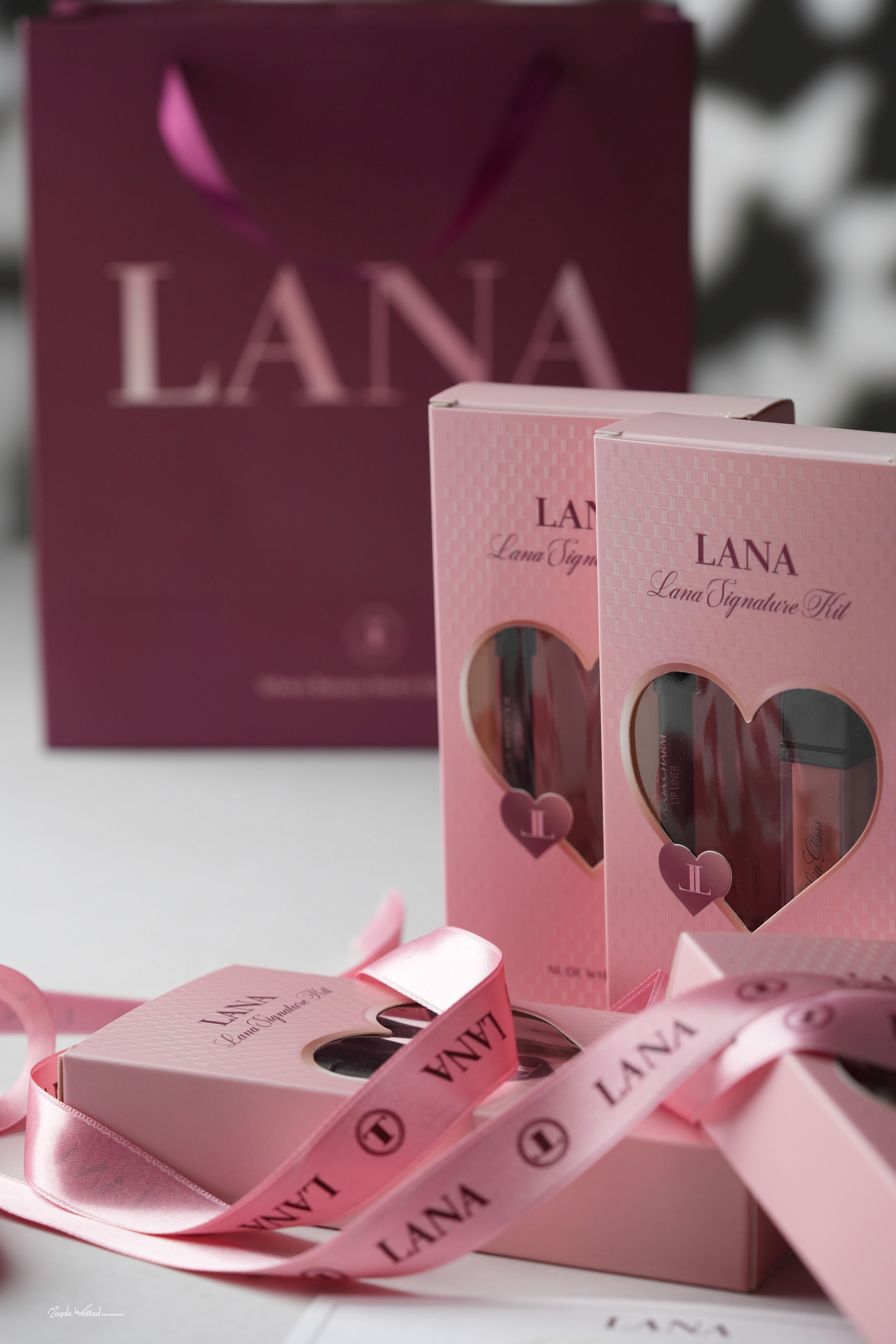
افتحي العلبة
في العلبة غلوس وقلم ومعها قلم
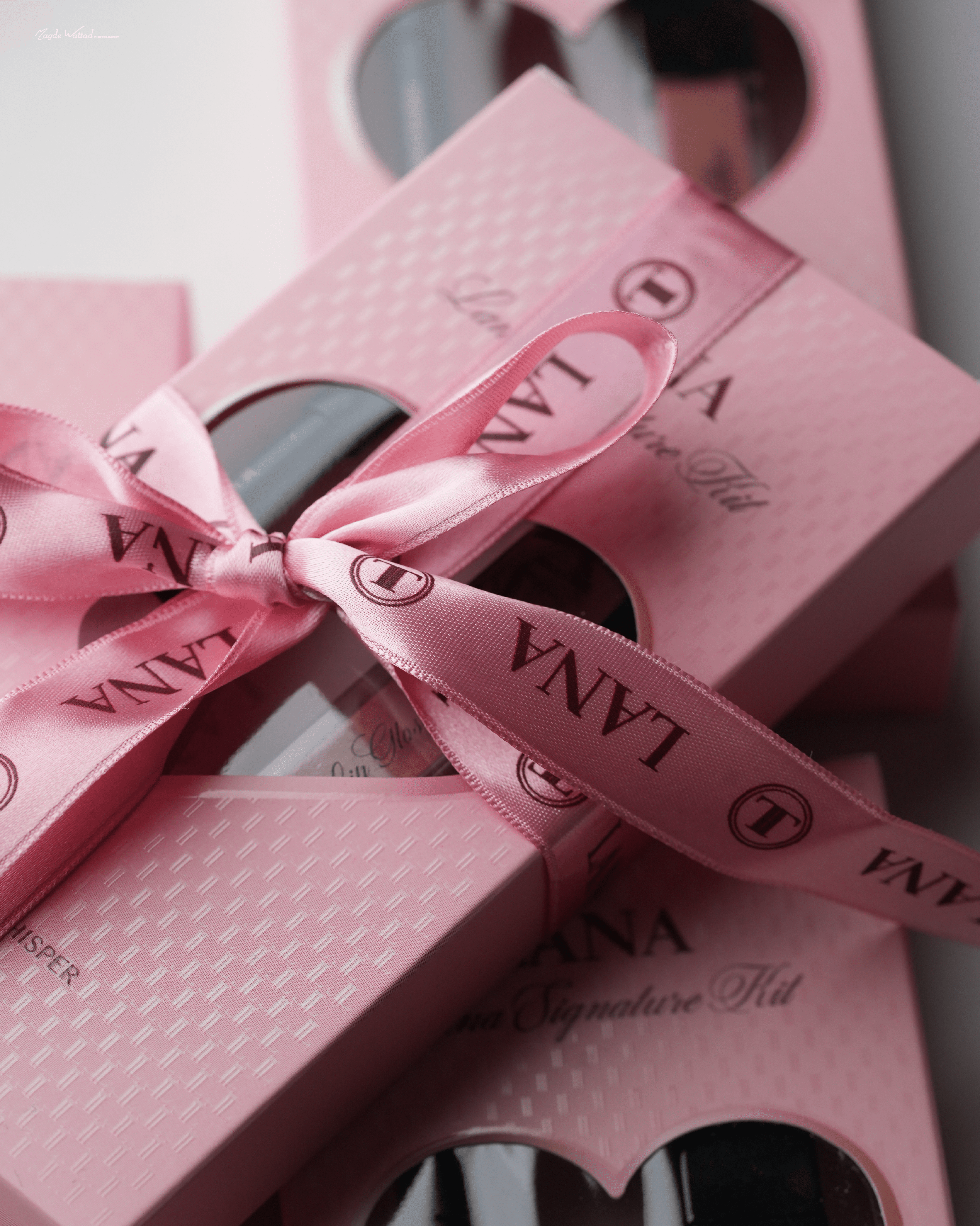
تحملين العلبة بين يديك وردية فاتحة وفي وسطها نافذة على شكل قلب ترين منها الغلوس والقلم
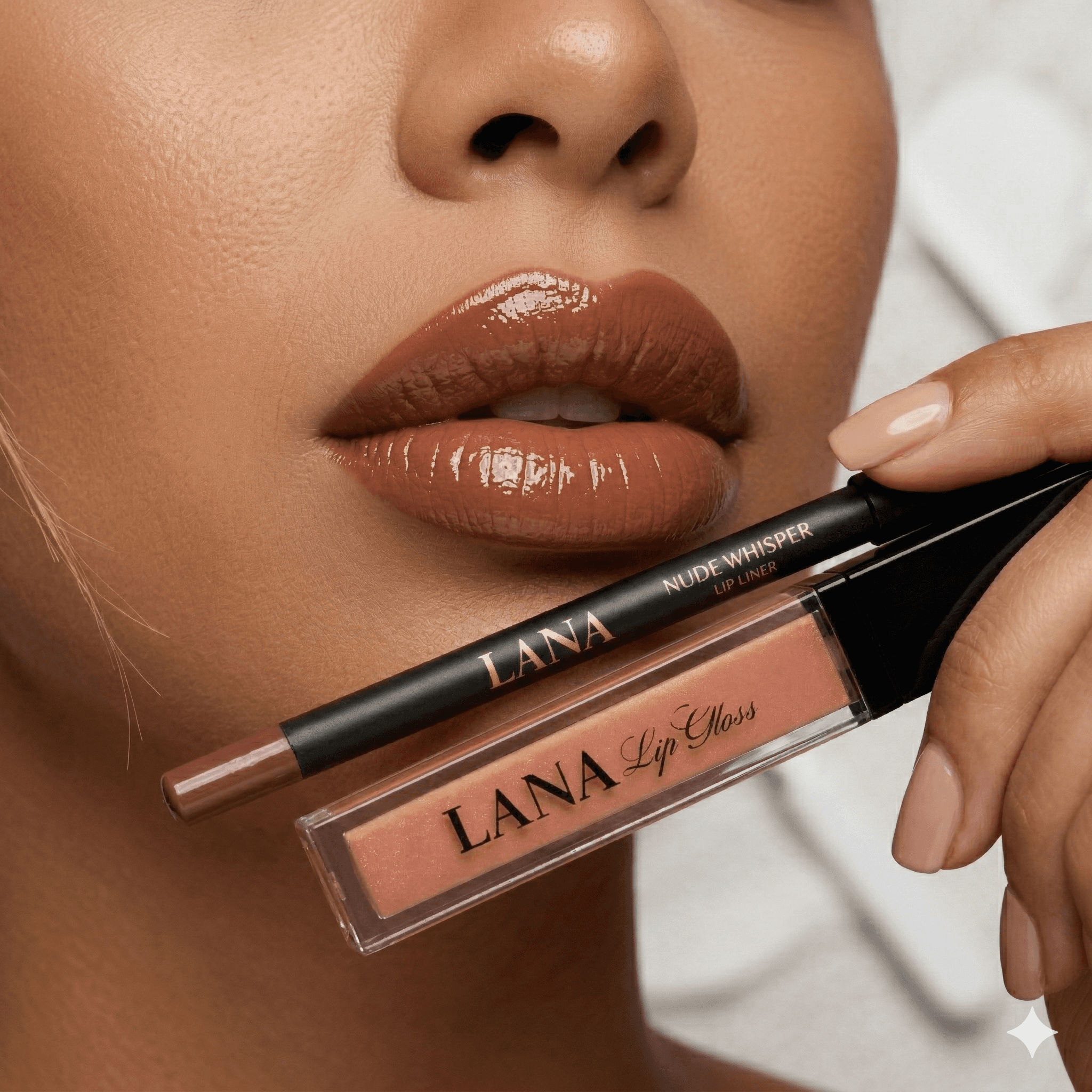
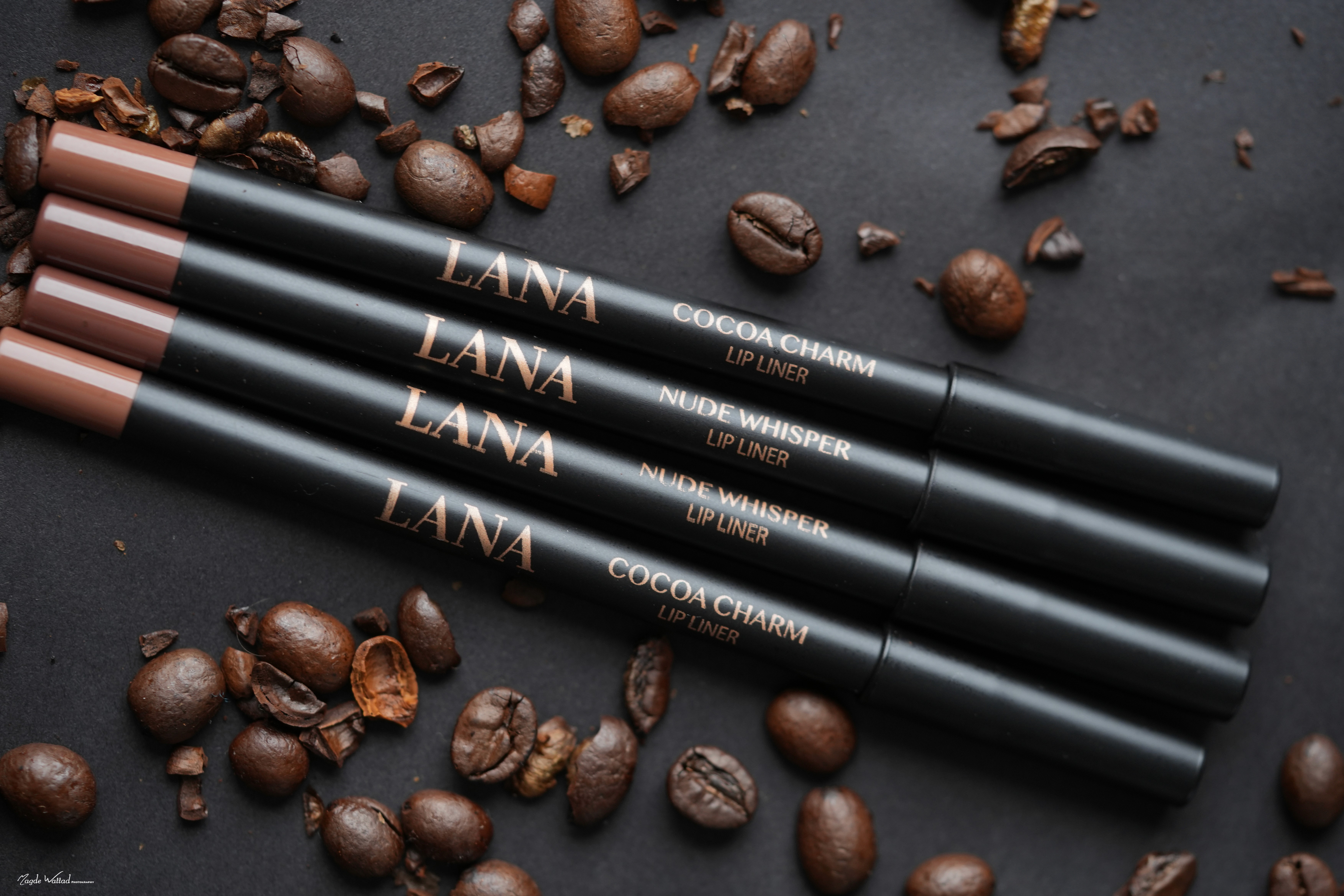
قلم تحديد الشفاه
قوامه كريمي يذوب على شفتيك
مصنوع من شمع العسل وهو الشمع الطبيعي الذي تصنعه النحلة ومن زيوت طبيعية تلين عند حرارة شفتيك فينزلق القلم على الحافة بلا سحب ويرسم شكلها بخط واحد
مطفي كالمخمل ويثبت إلى آخر الليل
فيه سيليكا وهي بودرة معدنية ناعمة جدا تمتص اللمعة والزيوت الزائدة فيجف الخط في مكانه ويبقى ثابتا مع القهوة والأكل
Cocoa Charm
بني فاتح مع لمسة برتقالية لا تجدينهما في أي ماركة
Nude Whisper
وردي يميل إلى البيج

Cocoa Charm
Cocoa Charm
Cocoa Charm
Cocoa Charm

Nude Whisper
Nude Whisper
لا يجفف شفتيك
فيه فيتامين E وهو الفيتامين الذي يغذي البشرة ويحميها فيبقي شفتيك مرطبة طوال ساعات الثبات
ولونه حصري من اختيار لنا
Cocoa Charm
بني فاتح مع لمسة برتقالية لا تجدينهما في أي ماركة
Nude Whisper
وردي يميل إلى البيج
افتحي العلبة
في العلبة غلوس وقلم ومعها قلم
تحملين العلبة بين يديك وردية فاتحة وفي وسطها نافذة على شكل قلب ترين منها الغلوس والقلم
افتحي العلبة
في العلبة غلوس وقلم ومعها قلم
تحملين العلبة بين يديك وردية فاتحة وفي وسطها نافذة على شكل قلب ترين منها الغلوس والقلم
Cocoa Charm
السحر بني فاتح مع لمسة برتقالية
Nude Whisper
وردي يميل إلى البيج قريب من لون الشفاه الطبيعي
ويأتي بلونين حصريين
Nude Whisper
الهمسة وردي يميل إلى البيج قريب من لون الشفاه الطبيعي
Cocoa Charm
السحر بني فاتح مع لمسة برتقالية


عنوان
عنوان فرعي
نص شرح
نص شرح


نص شرح

نص شرح


نص شرح


نص شرح
نص شرح

نص شرح
نص شرح

نص شرح
نص شرح
نص شرح
نص شرح

عنوان
عنوان فرعي




اطلبيه الان
قسم عرض السعر
عنوان
عنوان فرعي
↓
نص شرح
نص شرح
نص شرح
نص شرح
نص شرح
توصيل مجاني
الى جميع المناطق
ضمان تجربة 90 يوم
او استرجاع كامل المبلغ إذا لم تلمسي فرقاً واضحاً

اطلبيه الان



توصيل مجاني
الى جميع المناطق
ضمان تجربة 90 يوم
او استرجاع كامل المبلغ إذا لم تلمسي فرقاً واضحاً
FAQ
كل ما تحتاجين معرفته قبل التجربة
سوال
سوال
سوال
سوال
سوال
سوال
سوال
سوال
سوال
سوال
سوال
سوال
سوال
سوال
سوال
سوال
سوال
سوال
سوال
سوال
سوال
سوال
سوال
سوال
اطلبيه الان